
Descrição
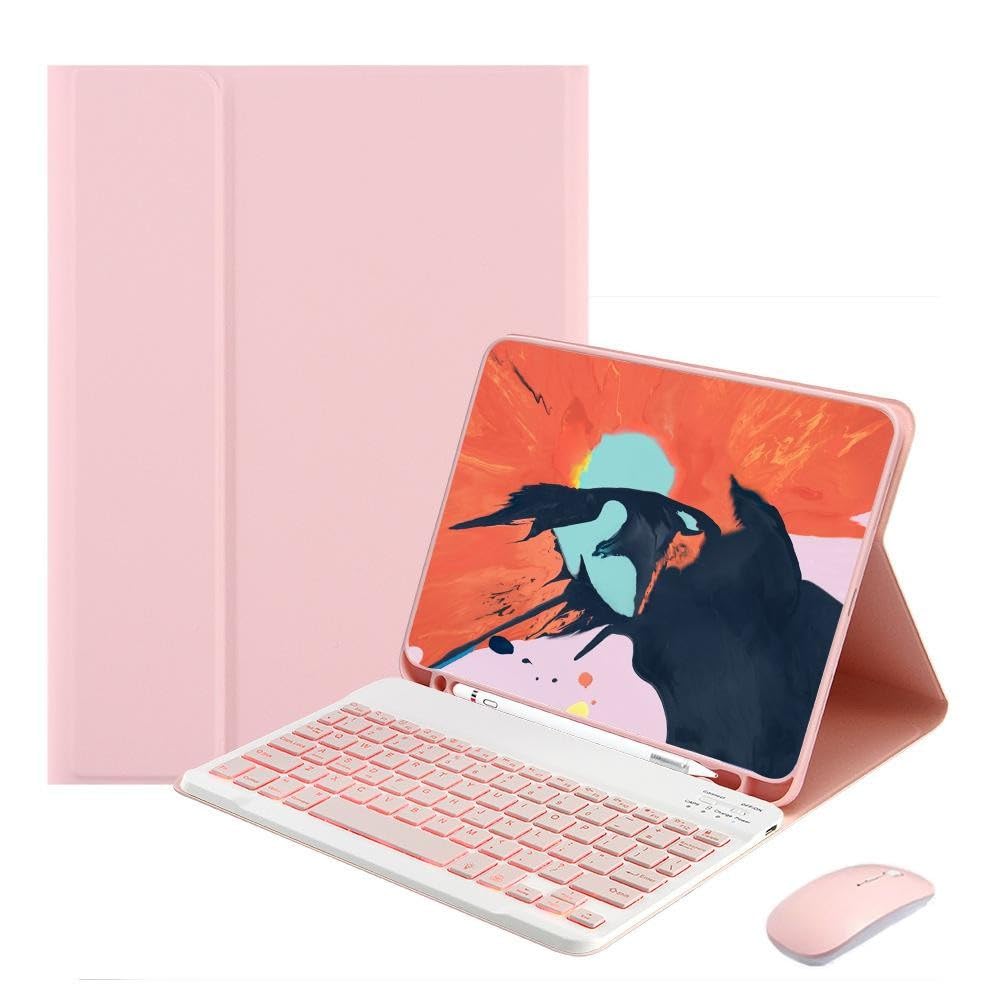
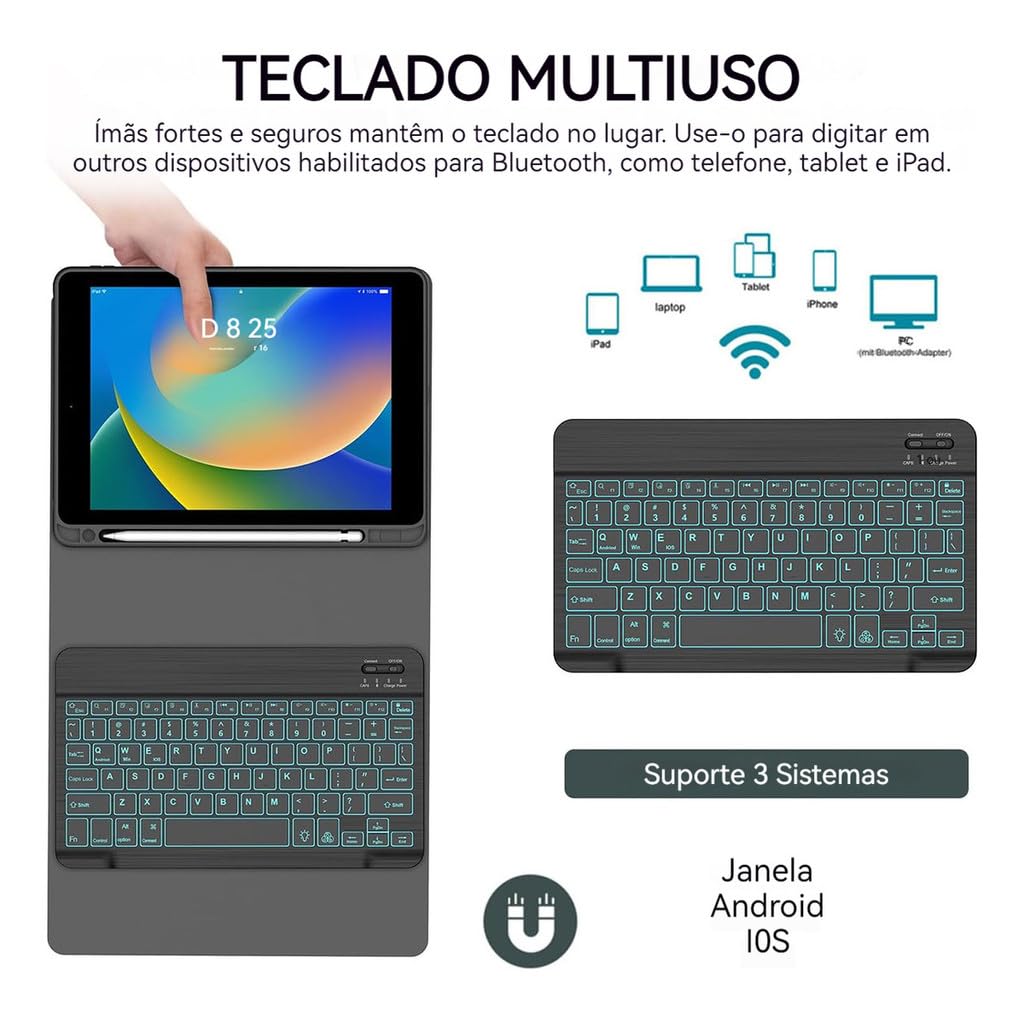
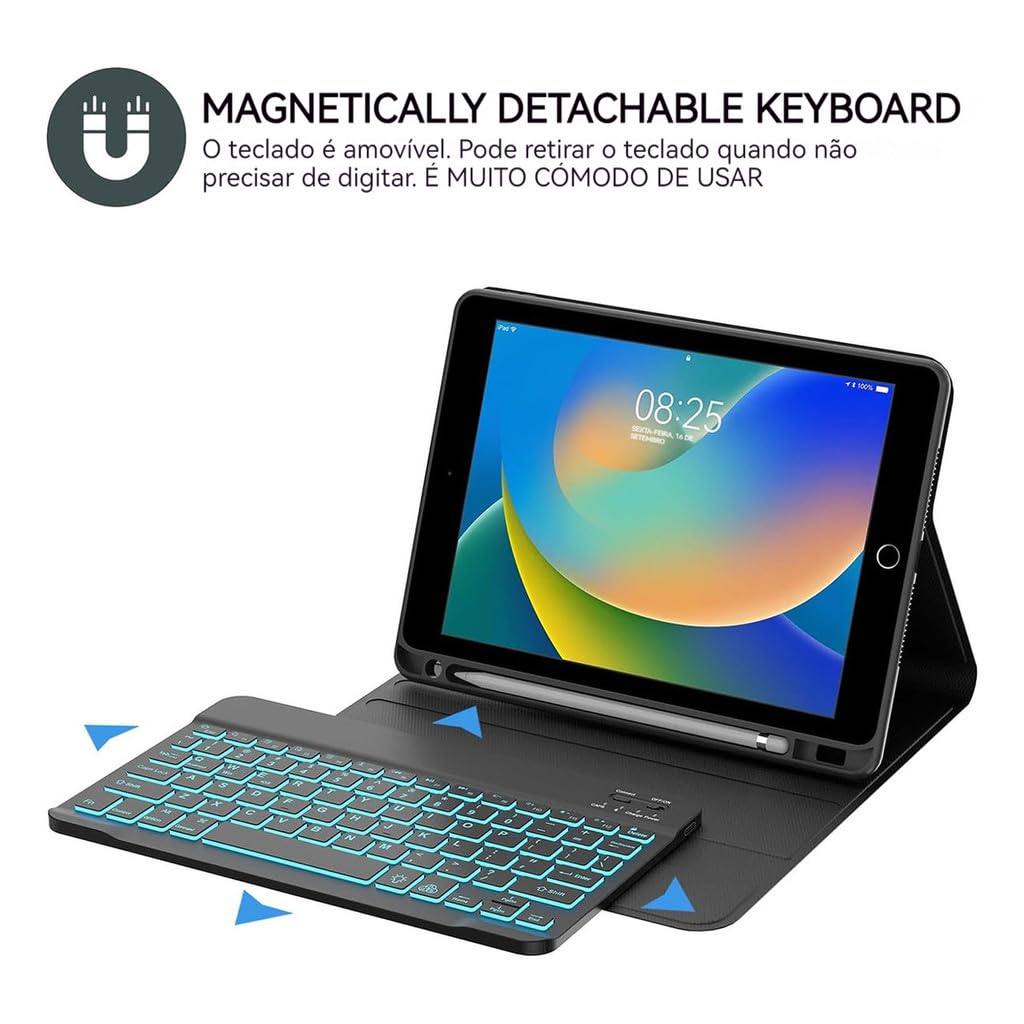
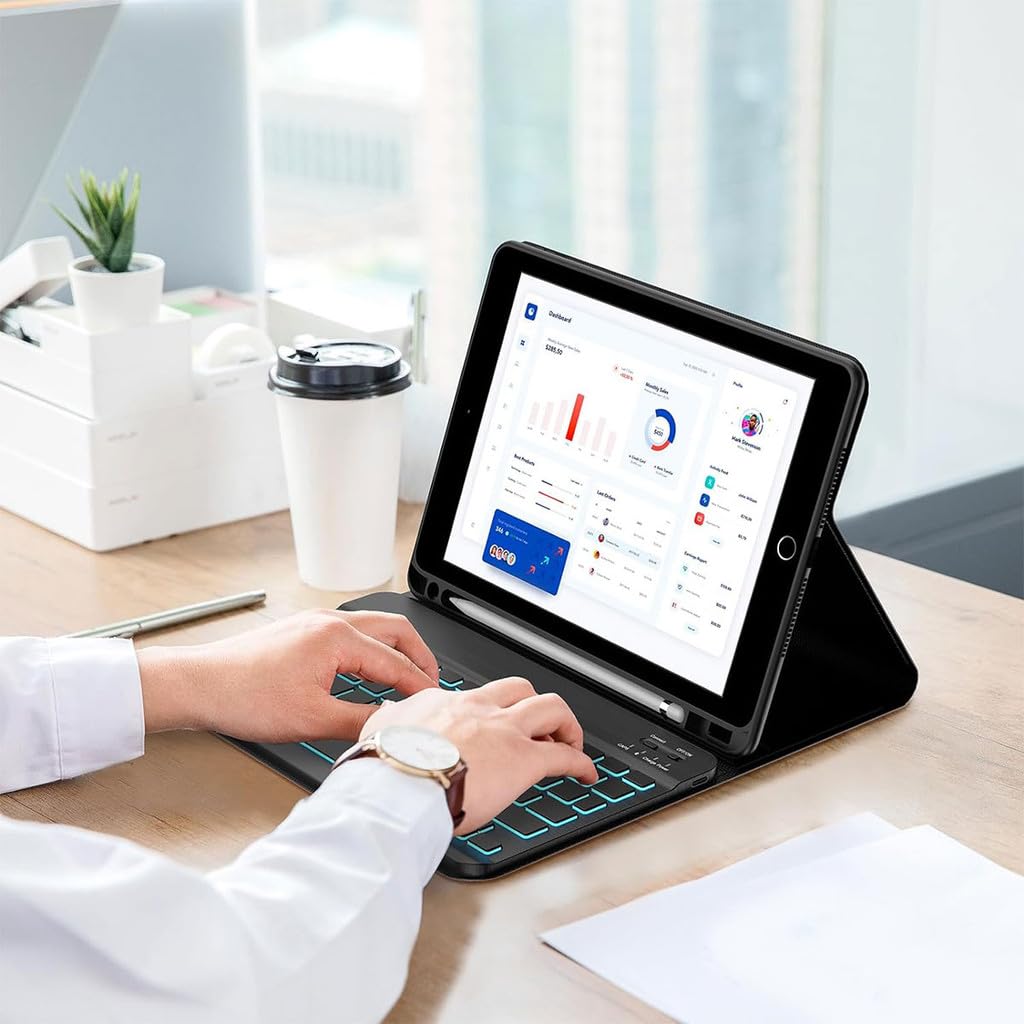
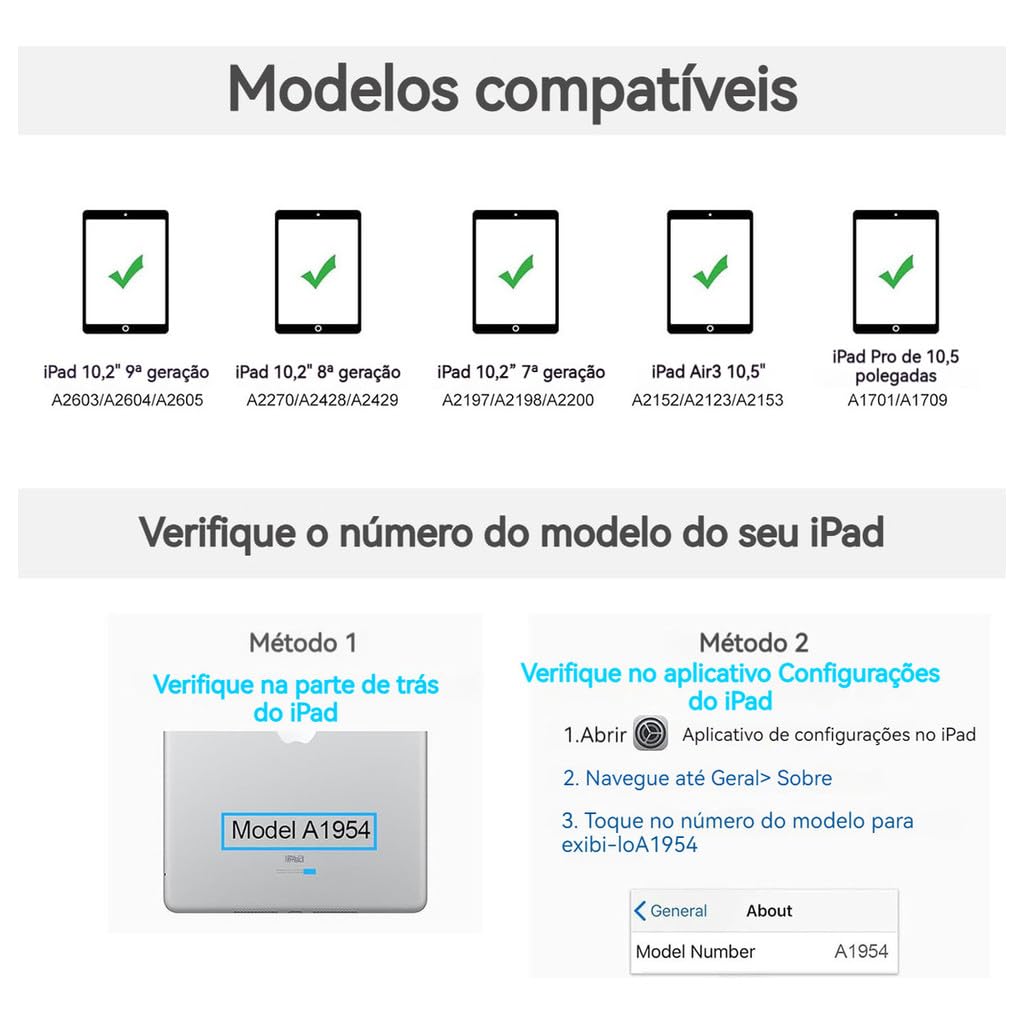
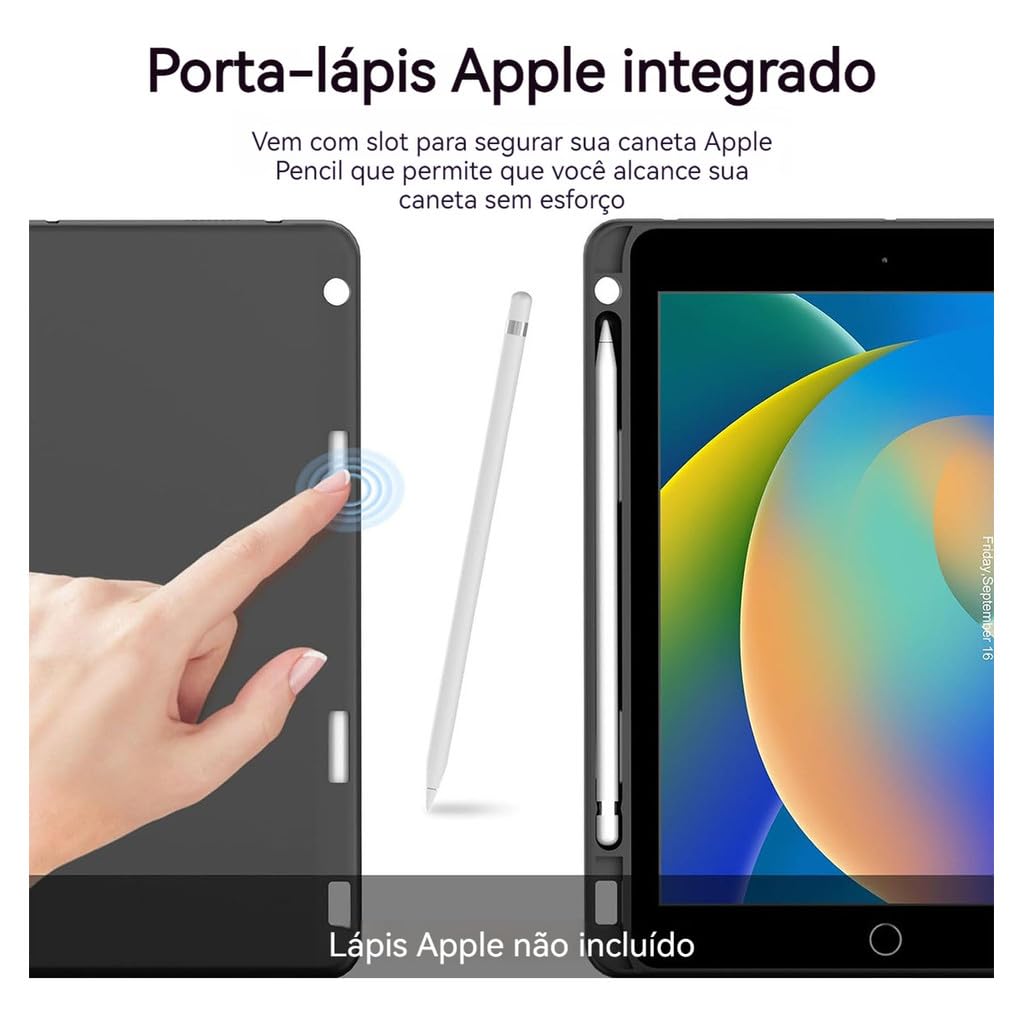
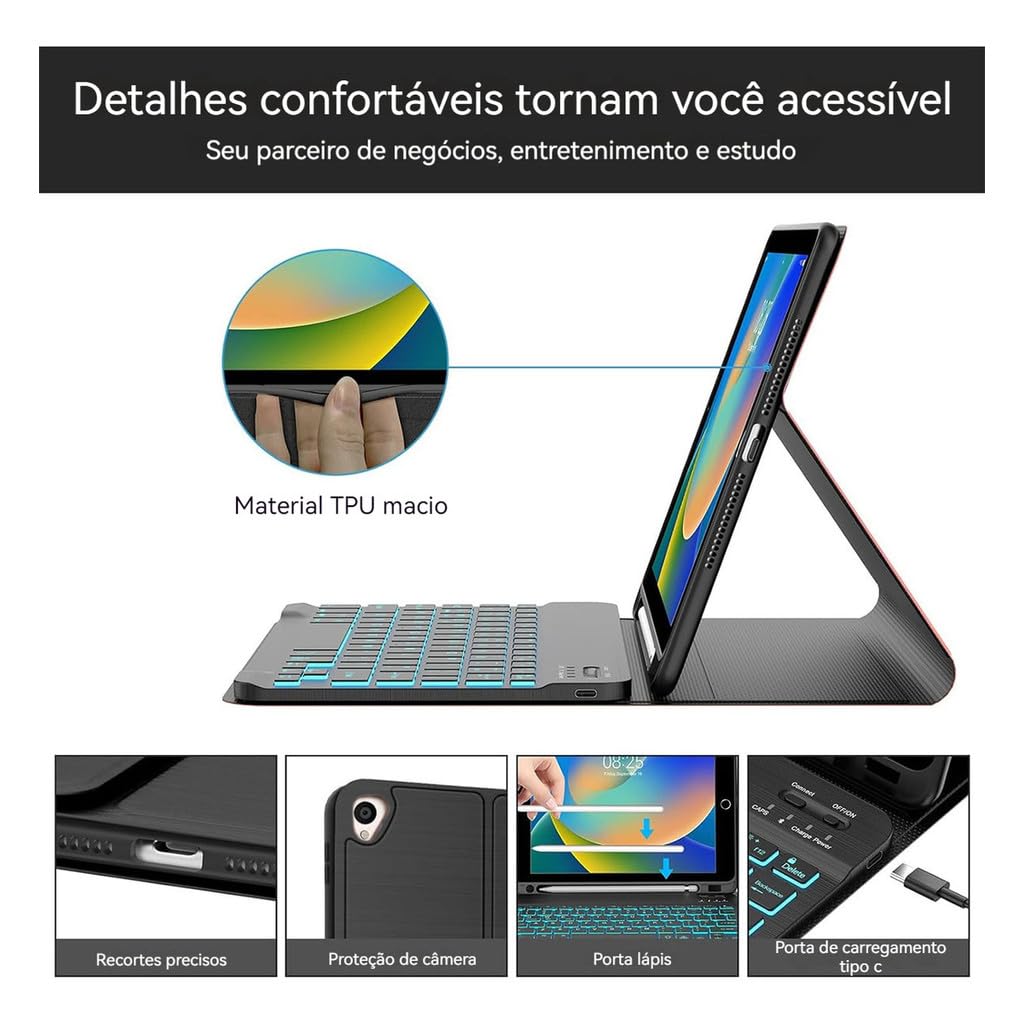
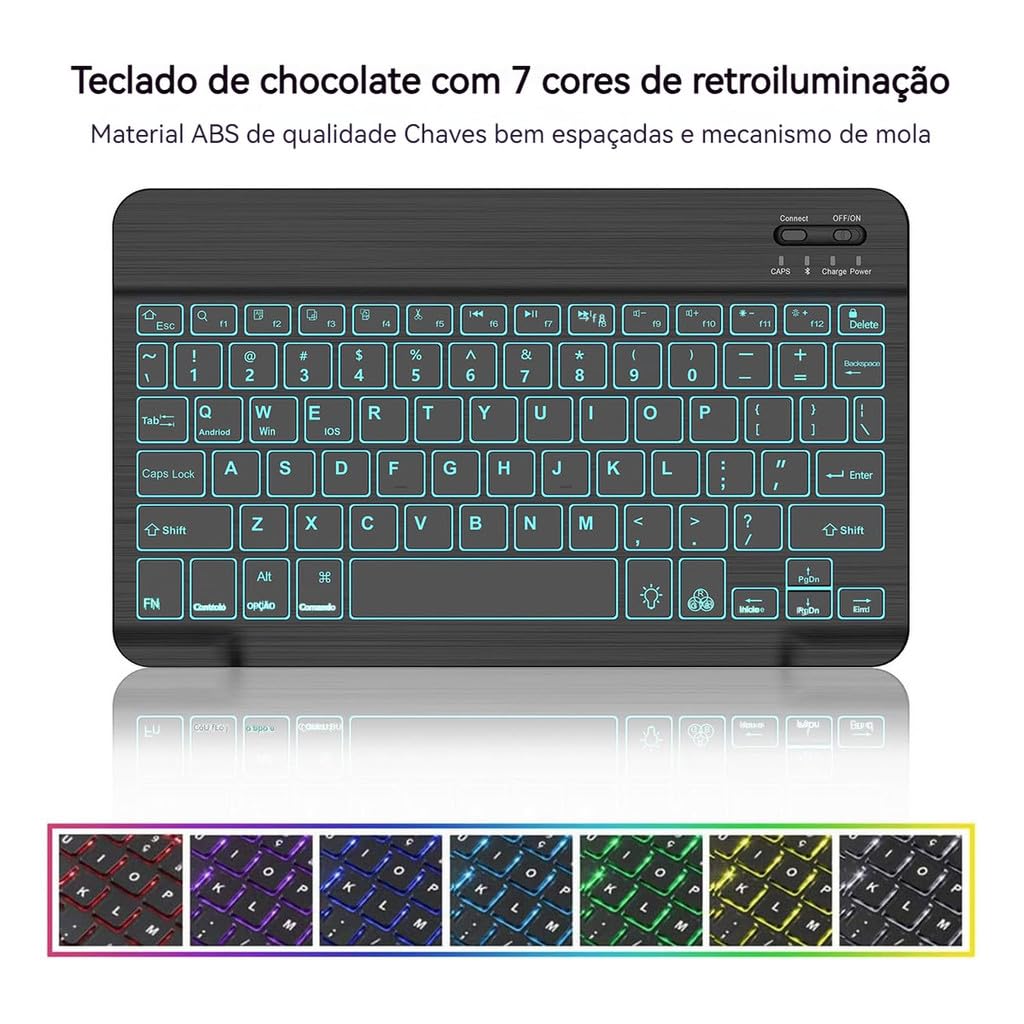
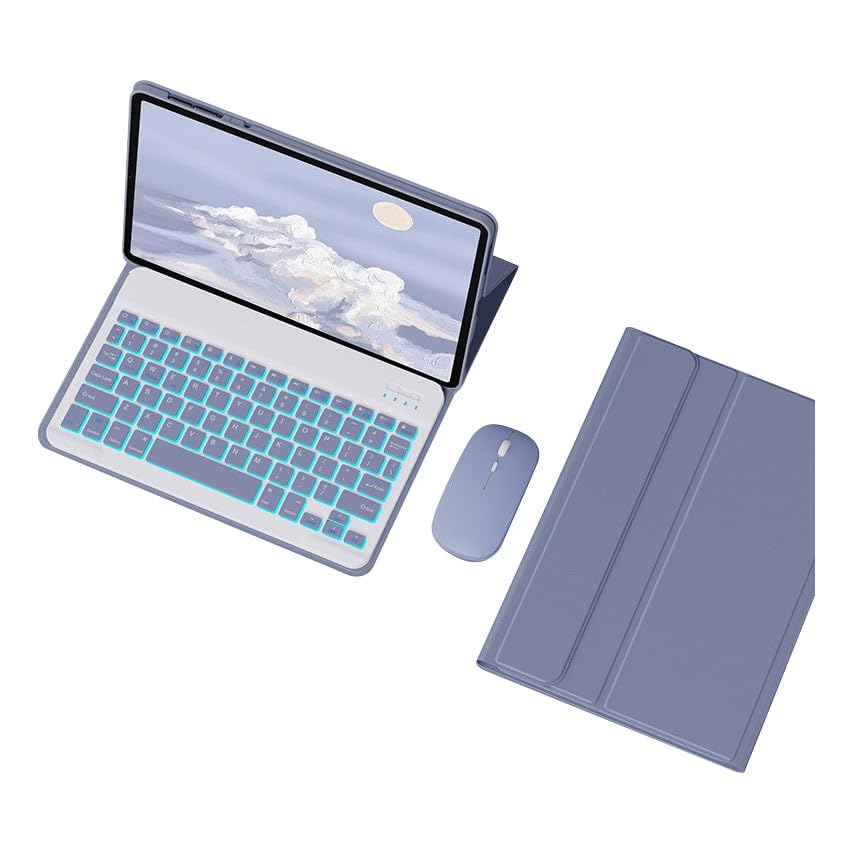
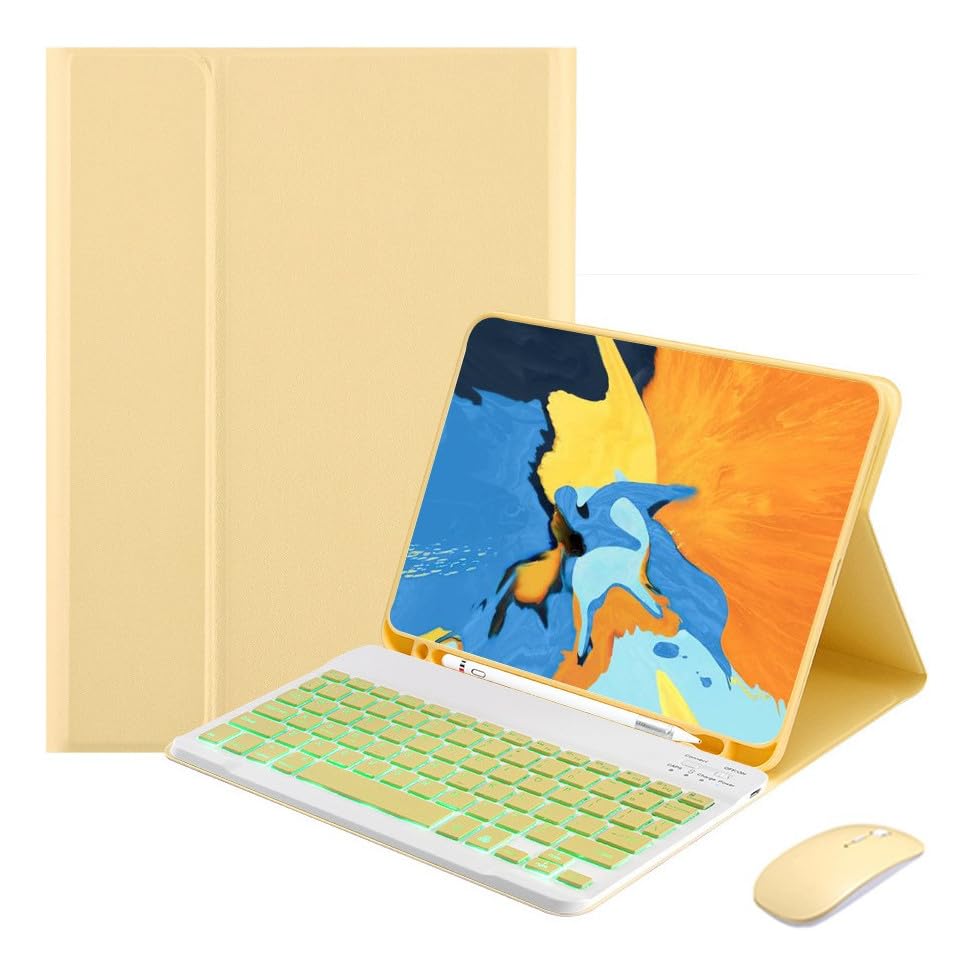
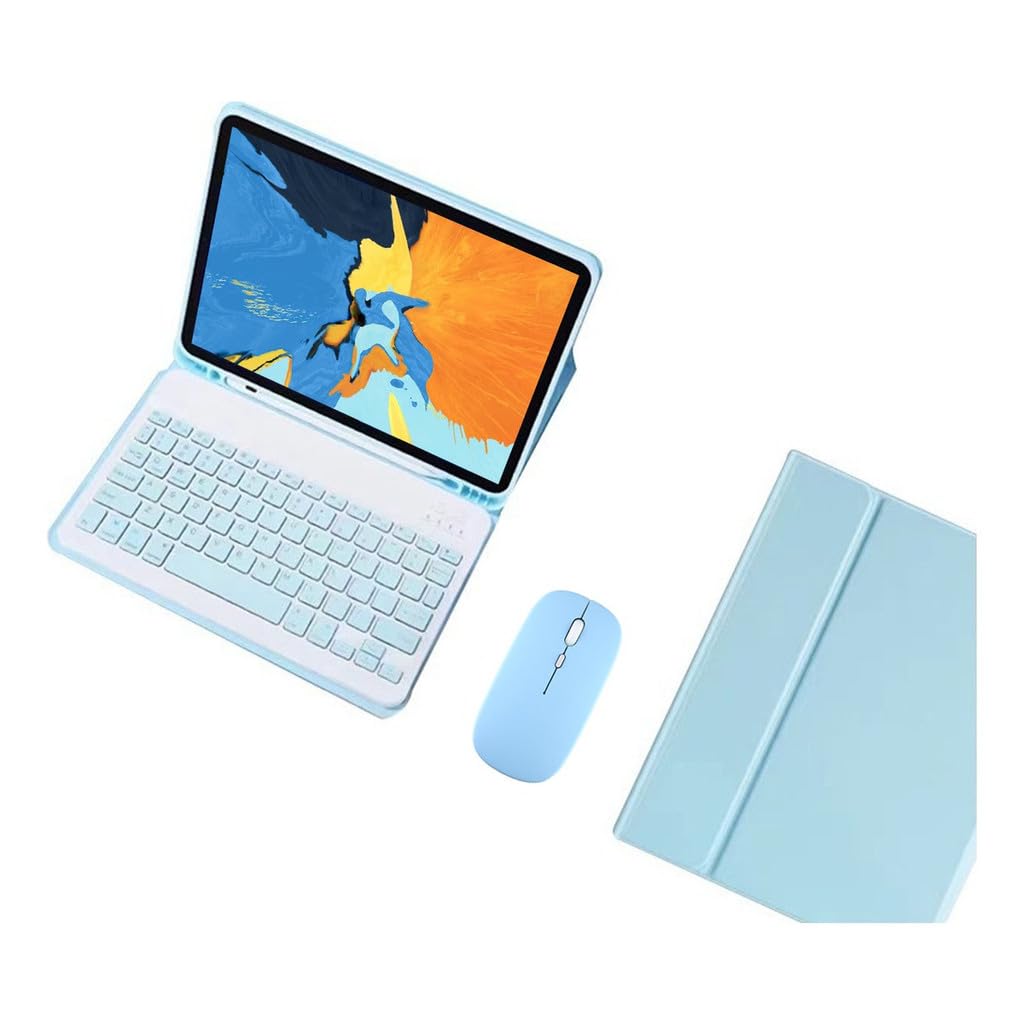
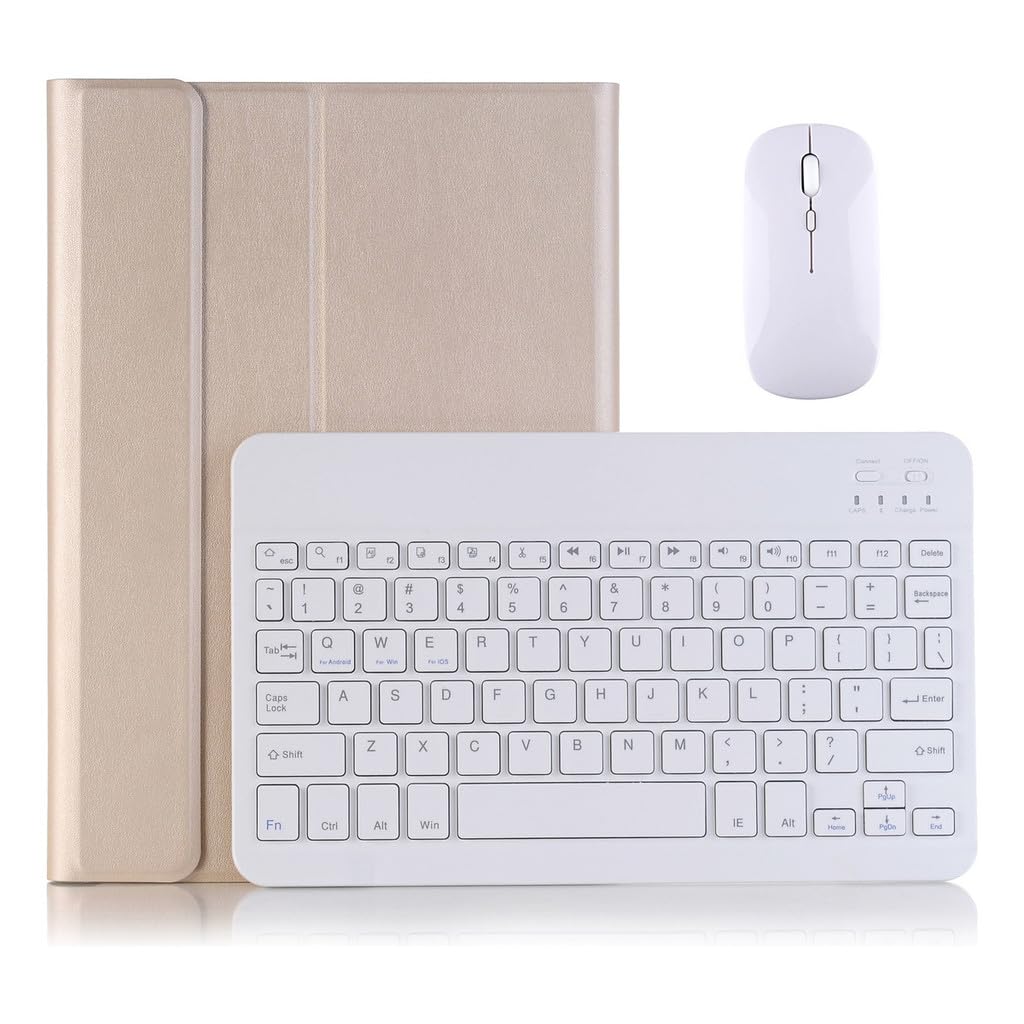
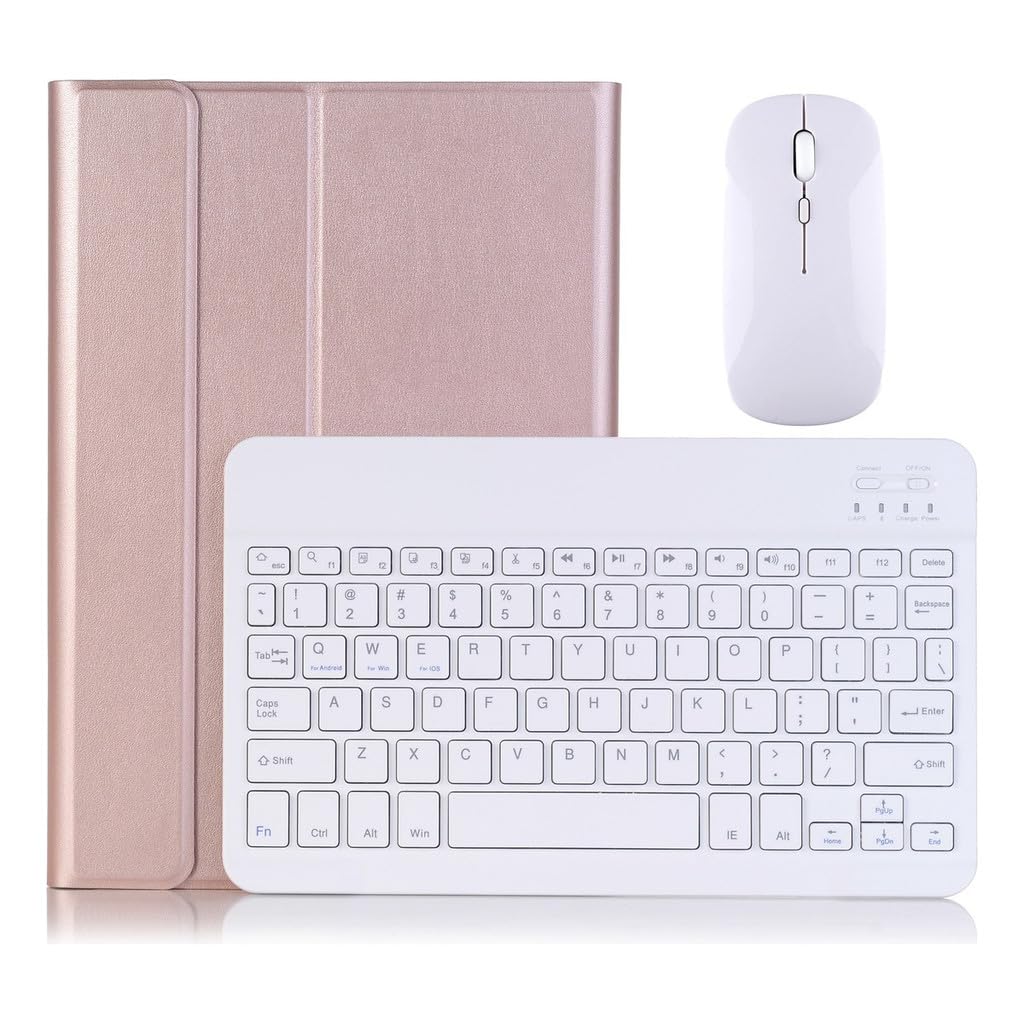
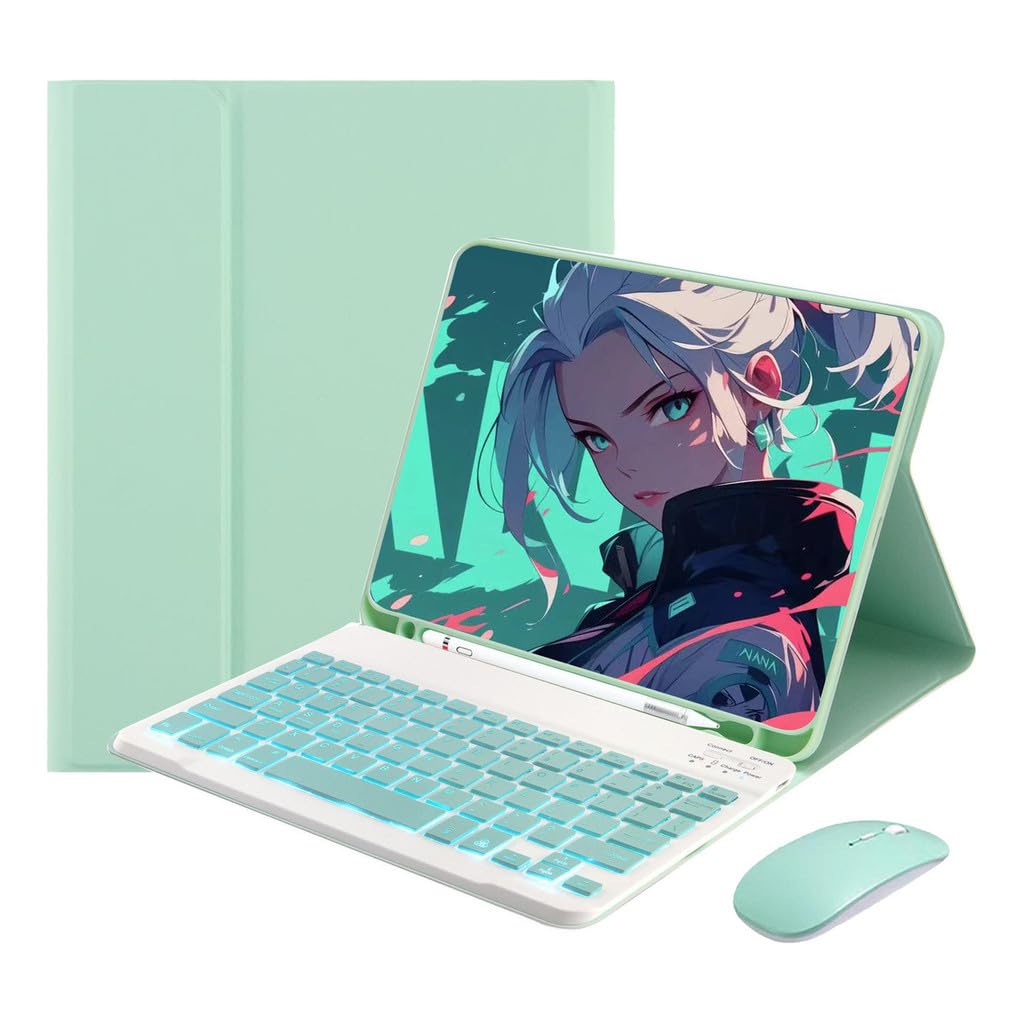
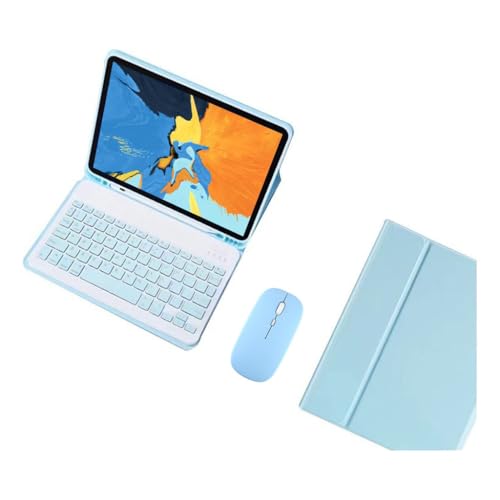
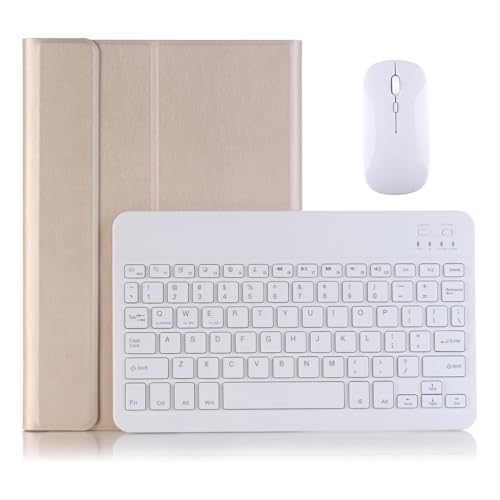
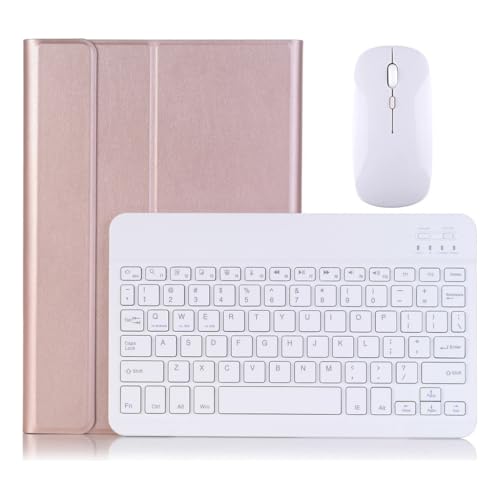
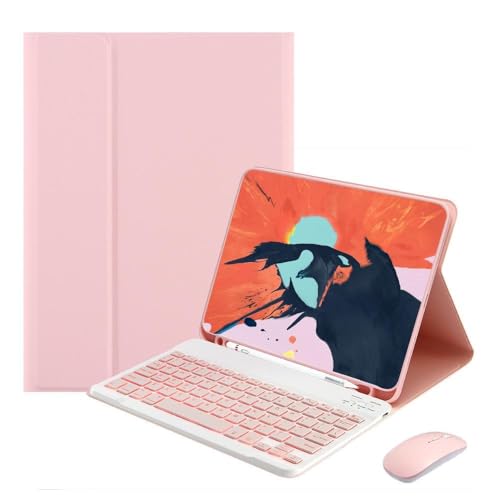
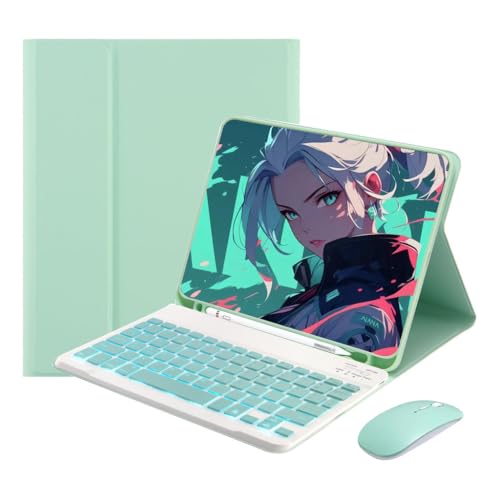
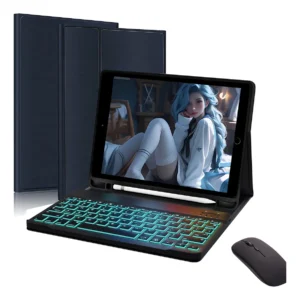
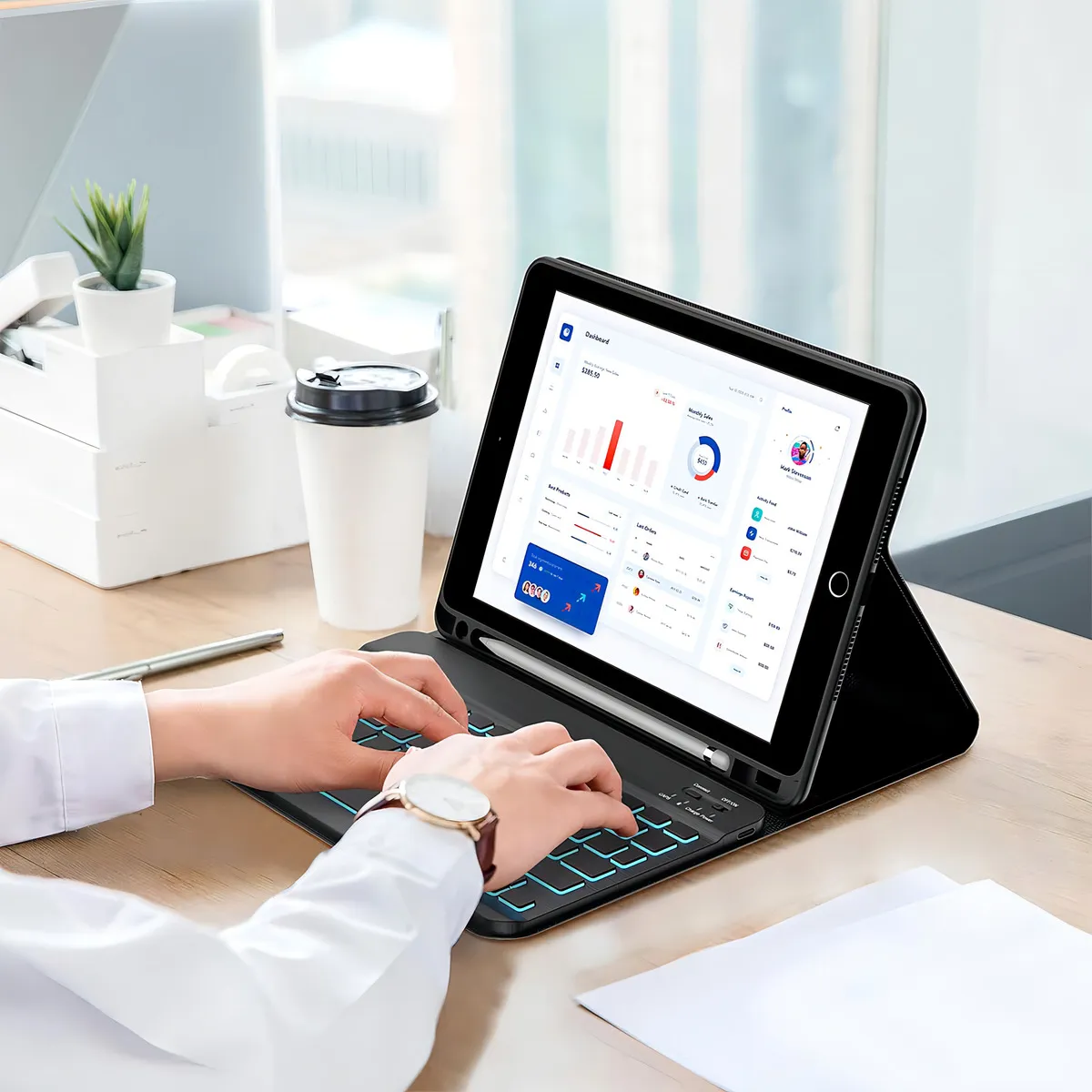
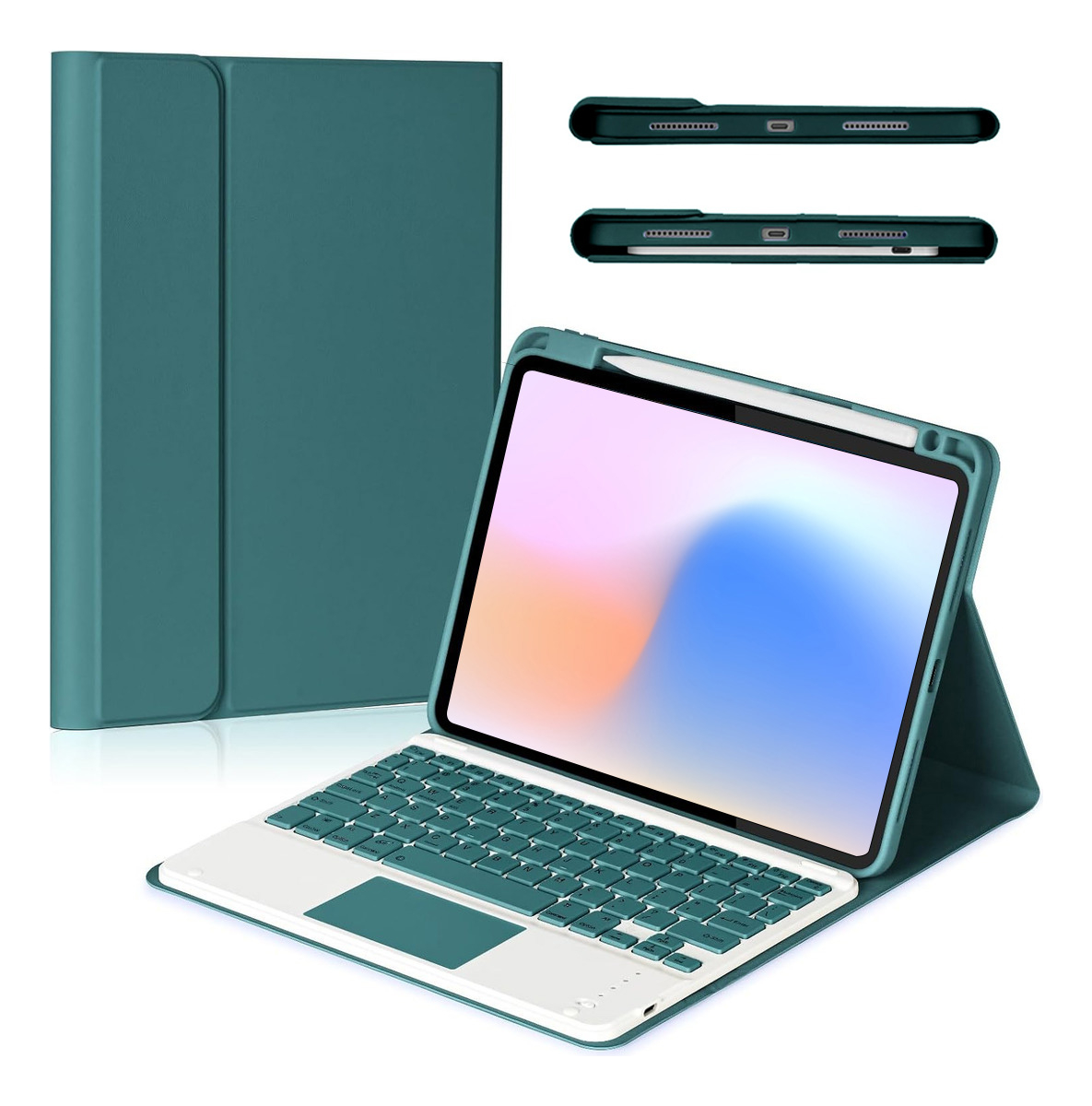
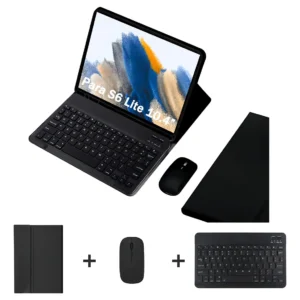
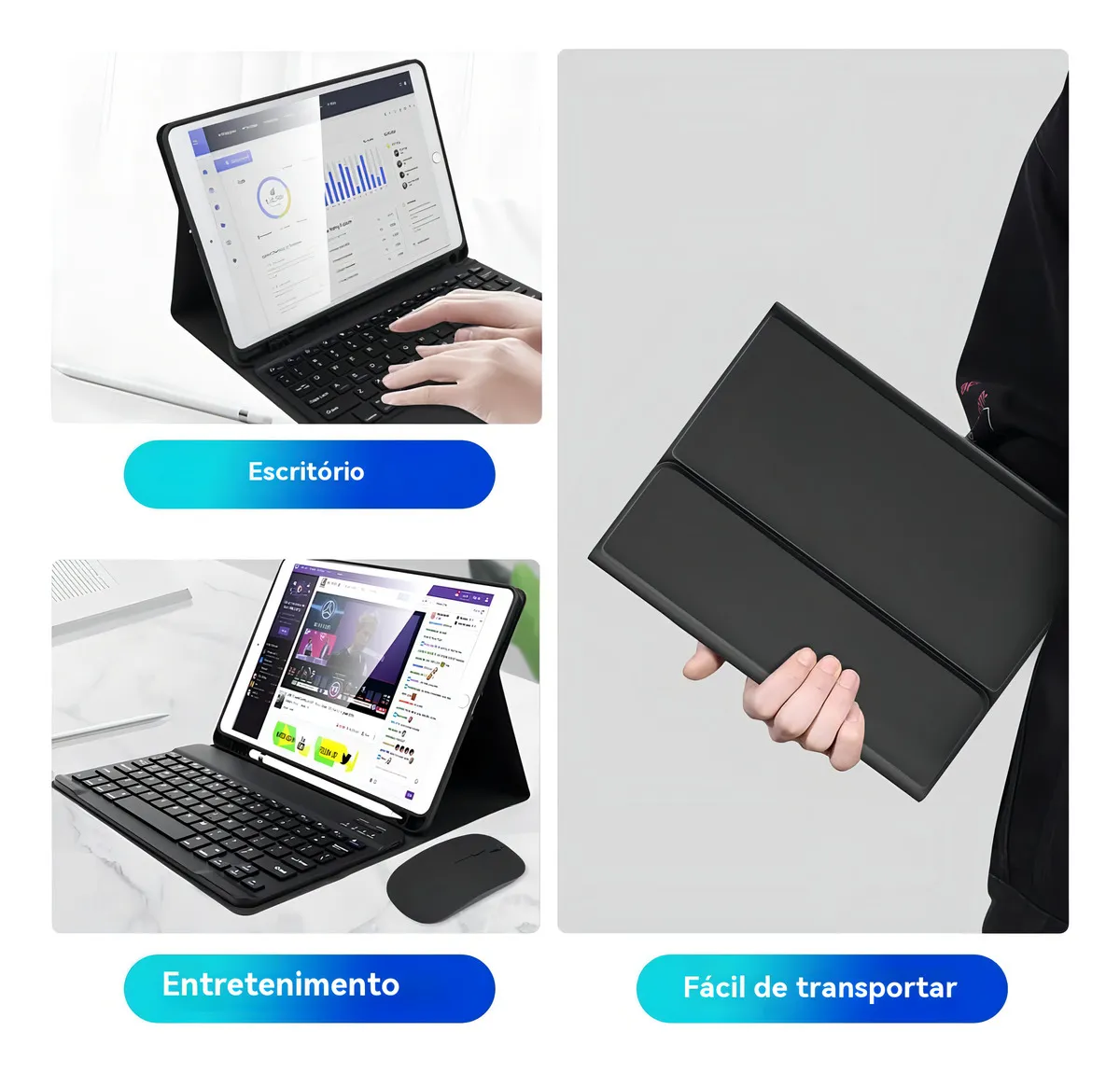
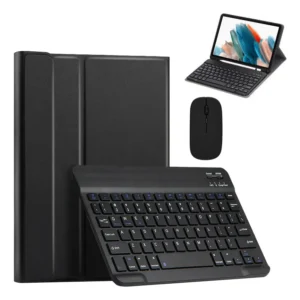
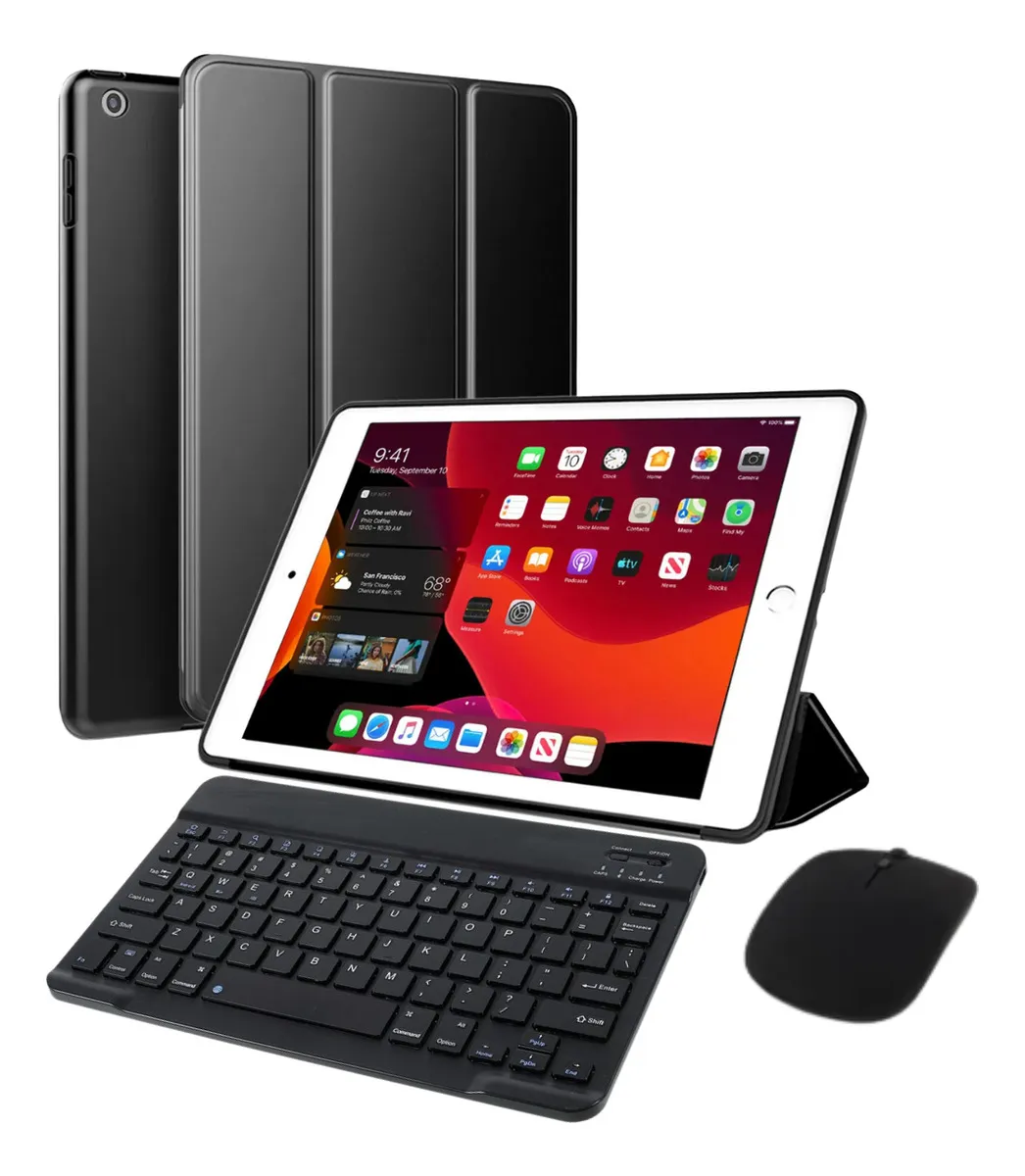
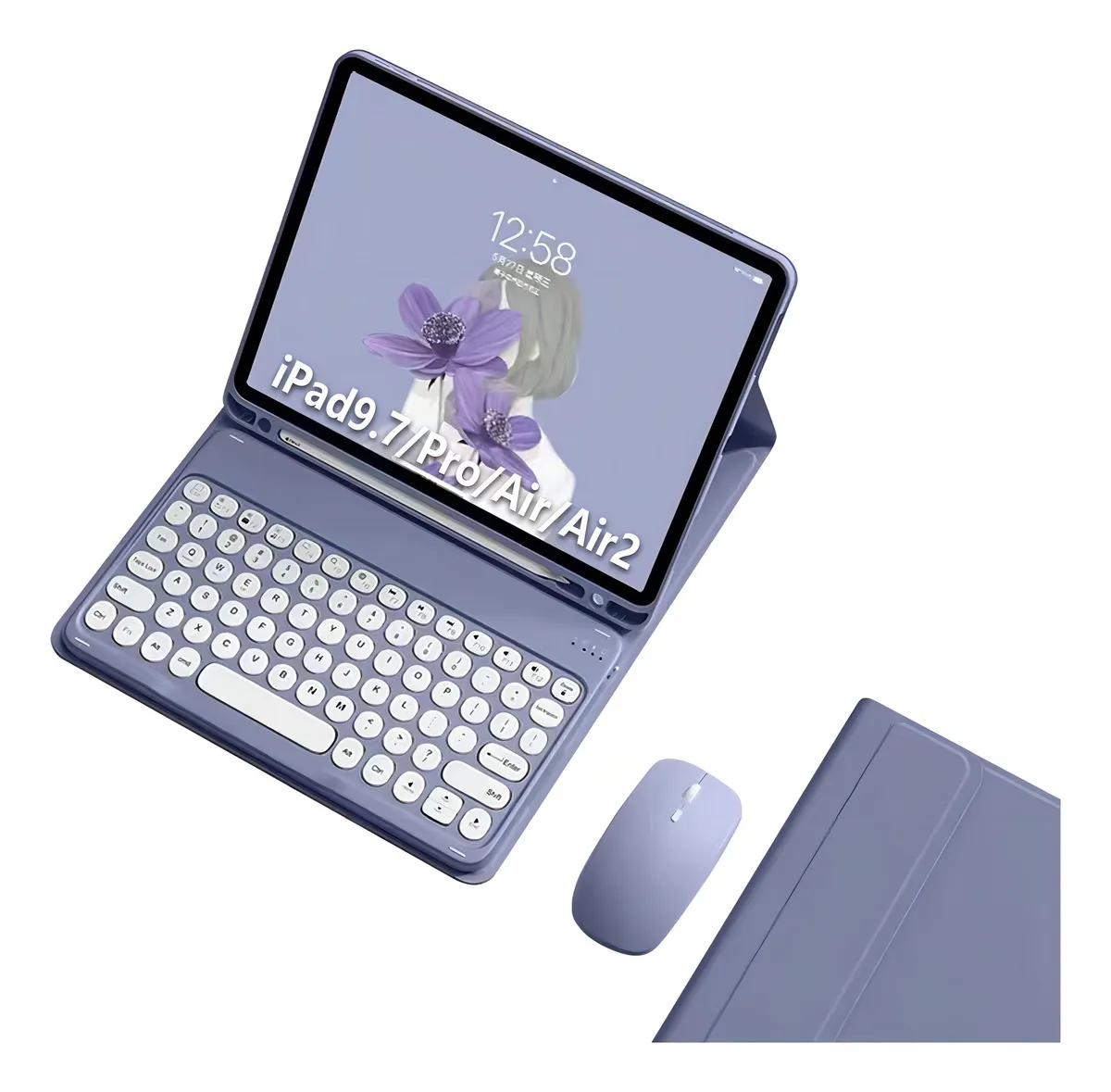
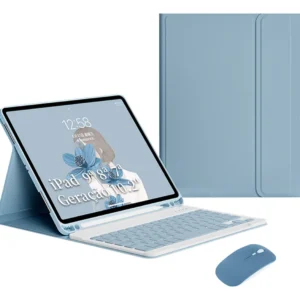
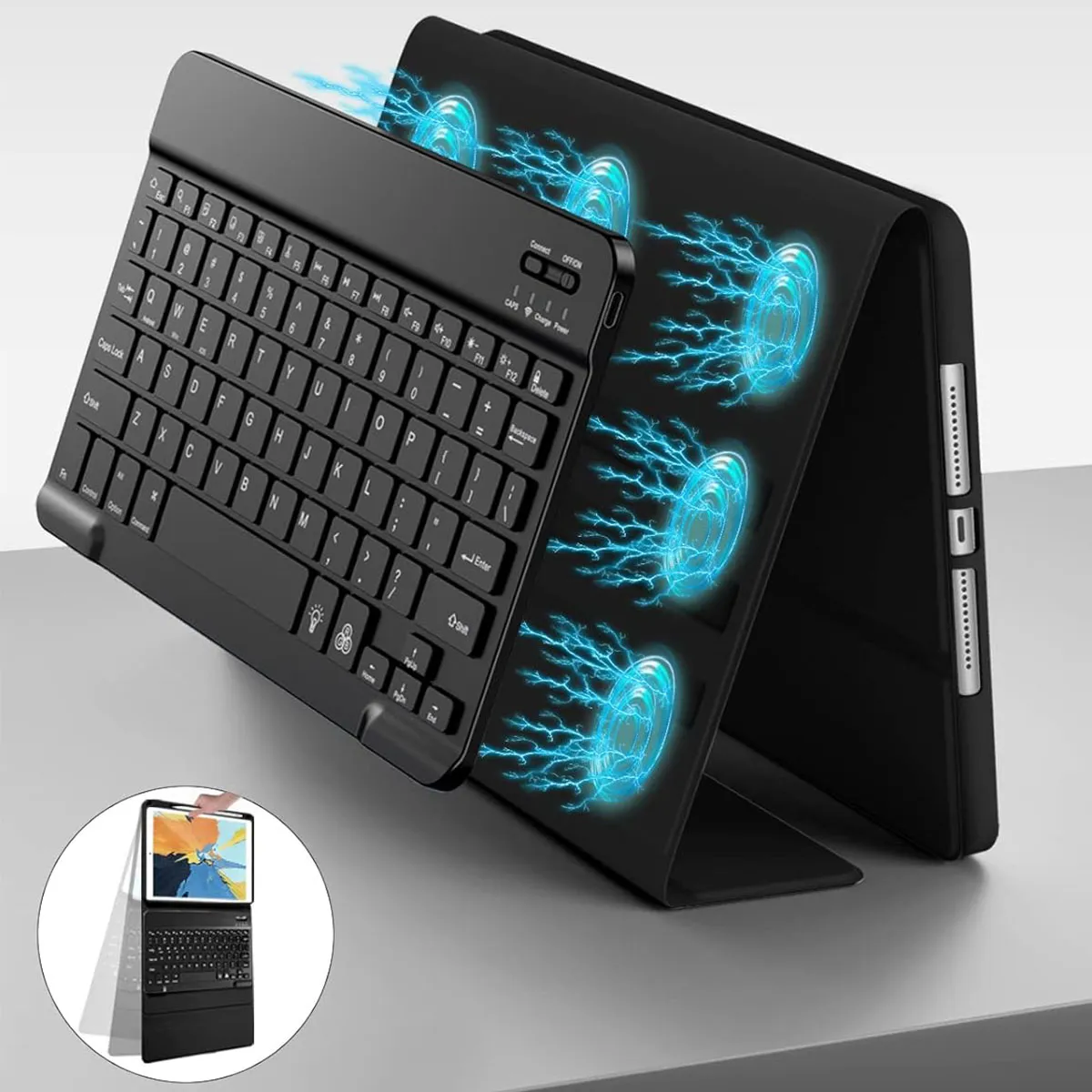
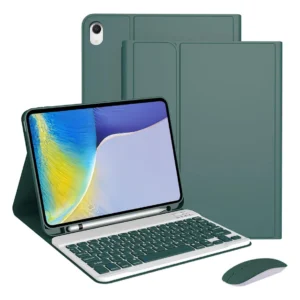
This product includes a wireless mouse, a magnetic keyboard and a tablet cover and does not include a capacitive pen! Please confirm that the model of your tablet is consistent with the model you ordered before placing an order! –Keyboard Type— The keyboard is American and does not have a separate ç key. Switch to a Portuguese keyboard when using it. –Please note before using—Before using the product, fully charge the keyboard and mouse (about two hours). Use a common Android charger when charging. Using a fast charging charger to charge the keyboard and mouse will cause the keyboard and mouse to fail due to excessive current. . –How to know if the keyboard is fully charged—During charging, the keyboard charging lights will flash or turn red, and when full, the lights will turn green or turn off automatically. –Connection method– Type a keyboard connection method: 1. Press the button on the side of the keyboard to “ON”; 2. Press and hold the keys ” FN+C” to enable Bluetooth mode on the keyboard; 3. Connect the Bluetooth keyboard to the tablet. Keyboard connection method type 2: 1. Press the button on the side of the keyboard to “ON”; 2. Click the button ” Connect” next to the switch and the keyboard WiFi light will flash; 3. Connect the Bluetooth keyboard to the tablet. Mouse connection method: 1. Fully load the mouse; 2. Press the button on the back of the mouse next to the Bluetooth icon; 3. Press and hold the middle button in front of the mouse; 4. Connect the tablet via Bluetooth.
Avaliações
Não há avaliações ainda.